Changelog

What's new in orra

Every version, newest first. The team keeps shipping, and the app tells you when an update is ready.

  1. v0.2.5 Latest

    Sign-in only on your click
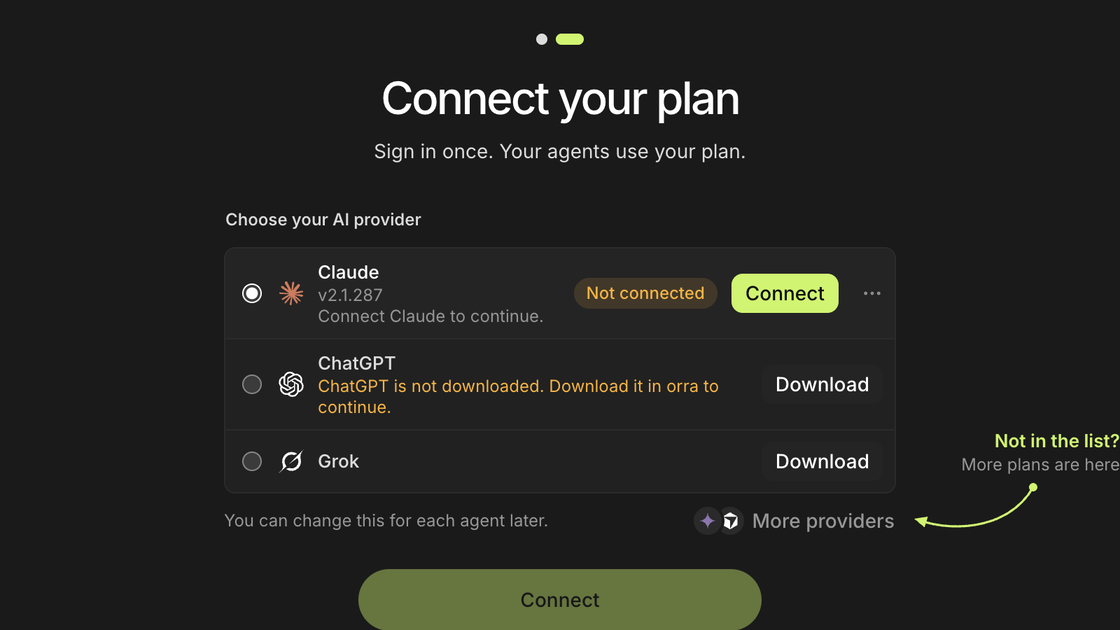
    The Connect your plan step: Claude is not connected, with a Connect button

    Sign-in only from Connect

    Claude, Codex and Grok connect only when you press Connect. Opening orra or starting free never starts a sign-in.
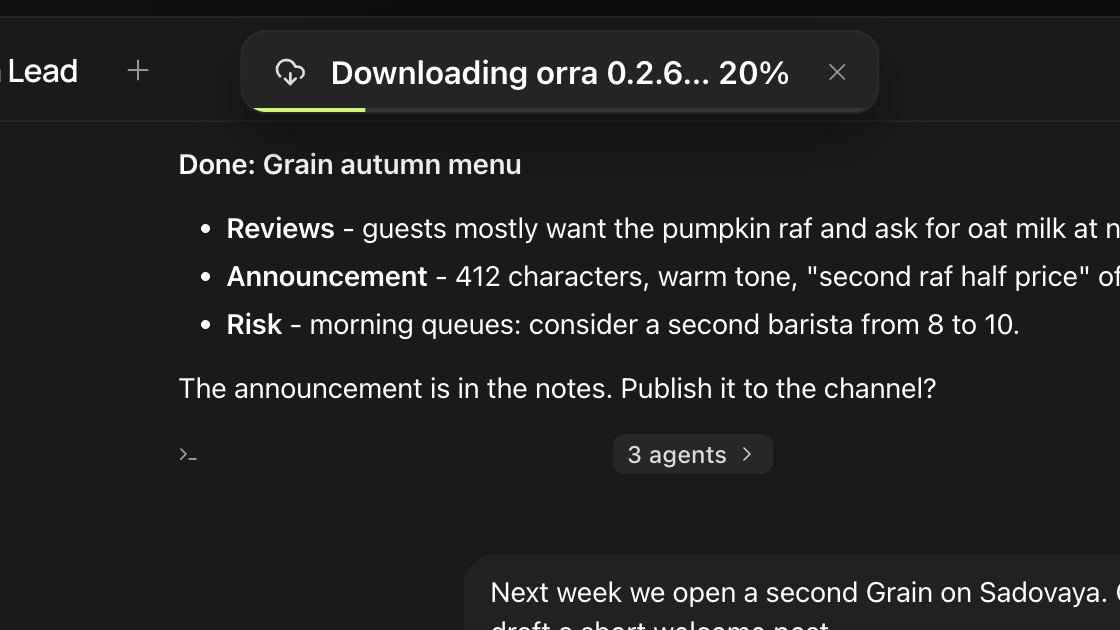
    A banner at the top of the window: Downloading orra 0.2.6, 20 percent

    Updates show how far they got

    While a new version downloads, the banner names the version and the percent.

    Smaller changes

    • Customize can restyle small details, such as the size and weight of agent names.
    • Update checks read orra's own feed first, so GitHub's request limit no longer gets in the way.
    • A downloaded update is checked against its checksum.
    • A failed update says why and offers Retry and the download page.
    • The free models are called Free orra models, and their group in the model picker is orra.
    • When the free models reach their limit, the message says so instead of asking for a key.
    Get 0.2.5
  2. v0.2.4

    Make it look like yours

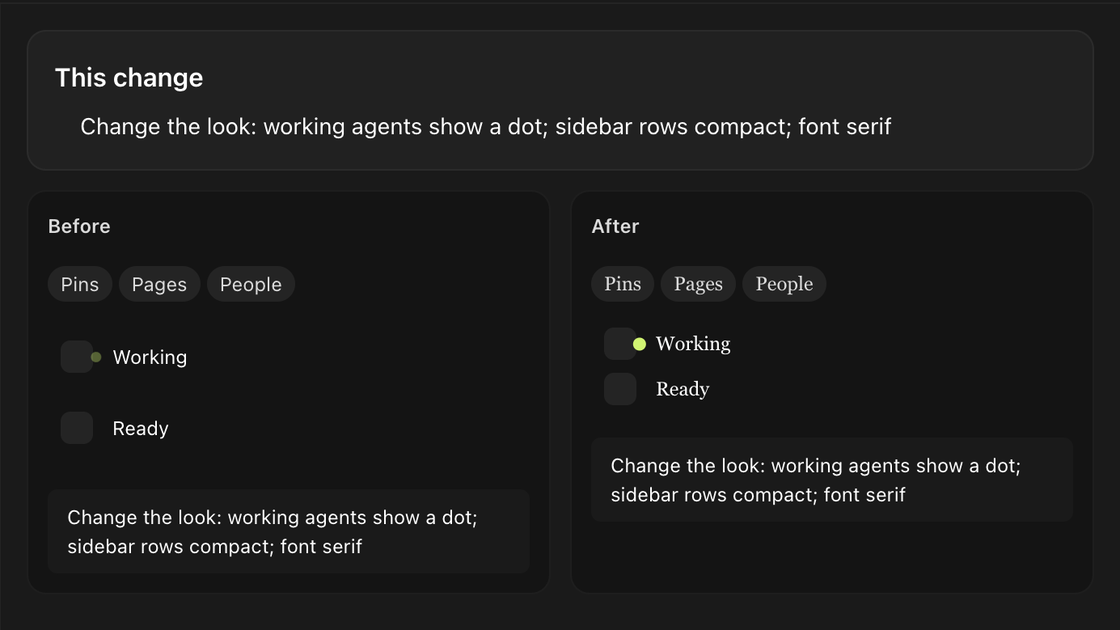
    Customize preview of a new look: before and after, with a dot for working agents and a serif font

    Customize changes the look

    Ask it to calm the working ring, make the sidebar roomier, change the font or reorder the sidebar groups.

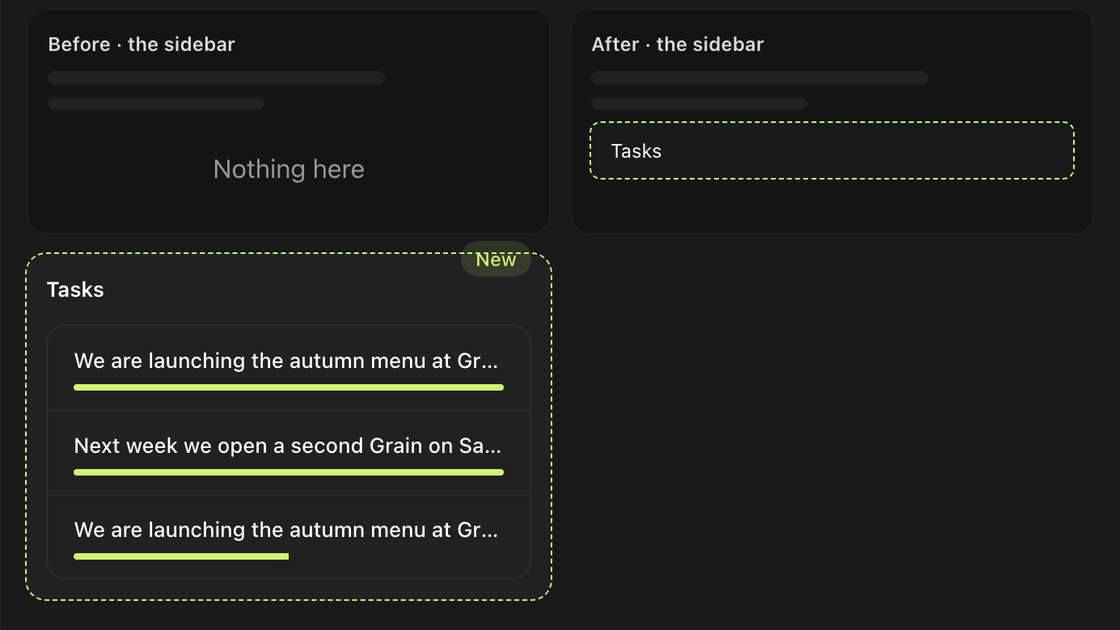
    Customize preview: a Tasks block where every task row has its own progress bar

    A progress bar on every row

    Ask for a bar for each task, and every row of a list or table gets its own bar.

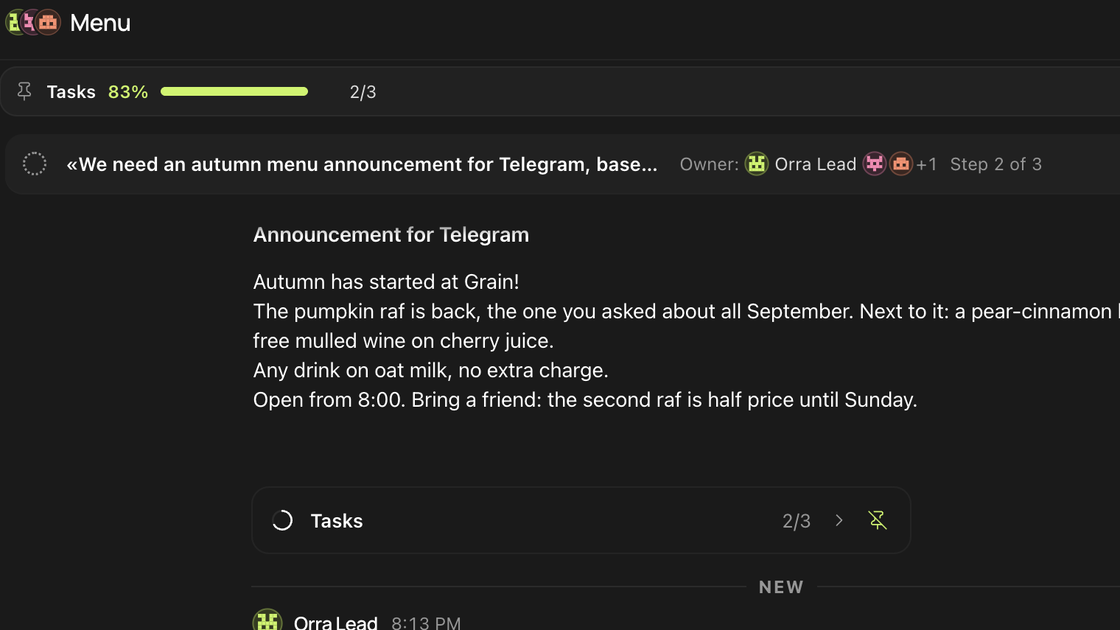
    A chat with the Tasks block pinned over it at 83 percent, 2 of 3 done

    Your tasks, pinned over the chat

    Pin the Tasks block and watch it fill up while the agent works. It stays after a restart.

    Smaller changes

    • Customize changes the block you mean, and asks when two could fit.
    • Videos in the chat open in fullscreen.
    • Sidebar rows show only the name, the time and the preview.
    • Agent states like Thinking and Working take the accent colour.
    Get 0.2.4
  3. v0.2.3

    A bigger Marketplace

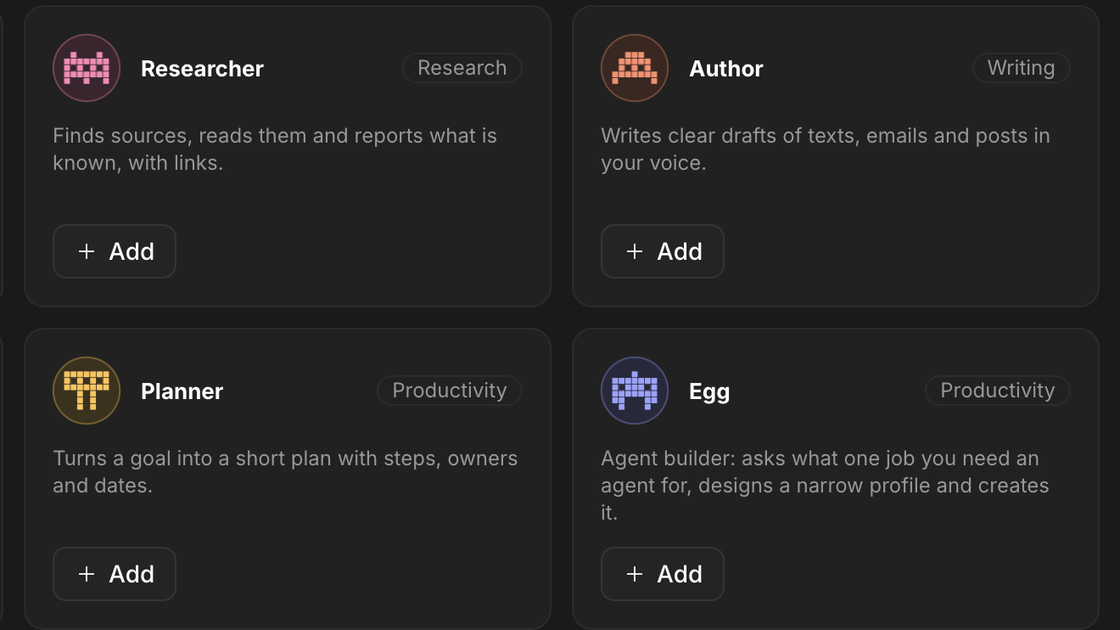
    Marketplace agents: Researcher, Author, Planner and Egg, the agent builder

    17 skills and 6 new agents

    Skills from GitHub in five categories, and new templates such as Egg, which builds an agent from your answers.

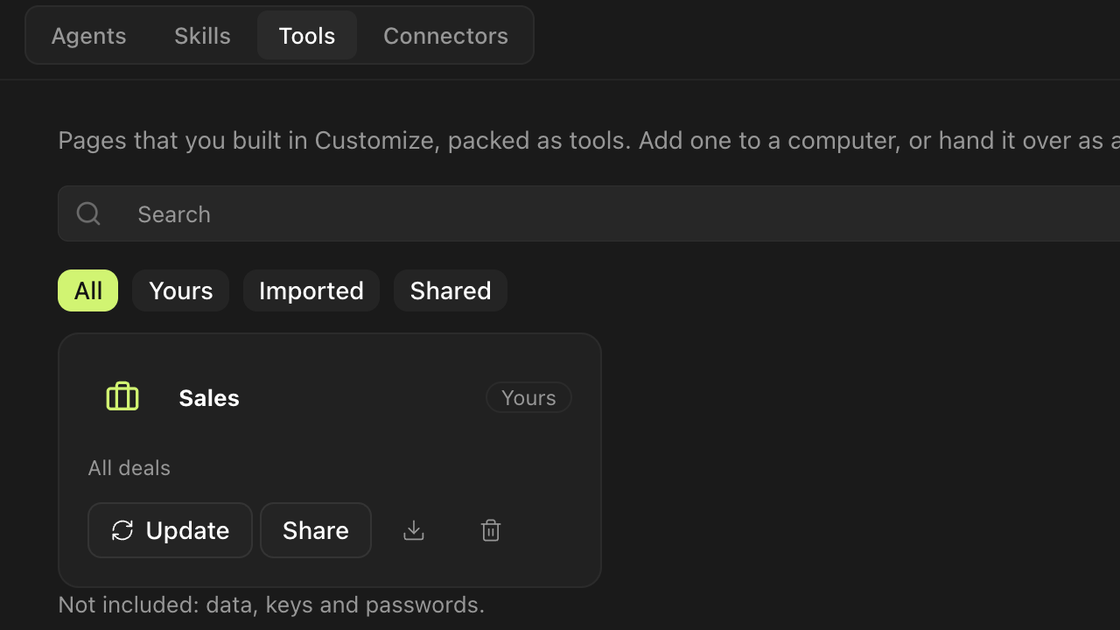
    Marketplace Tools: a published Sales tool with Update, Share, download and delete

    Share the tools you make

    Publish a tool with one button, and delete it whenever you like.

    A slim banner at the top of the window: orra 0.2.5 is available, Download

    Updates in a slim banner

    A new version shows up at the top of the window, with Restart or Download.

    Smaller changes

    • Right-click an image to copy it, save it or show it in Finder.
    • Sending a message no longer makes the chat jump.
    • The Waiting for sub-tasks card stays collapsed when you send a prompt.
    • Identical errors of stopped tasks show as one row with a count.
    Get 0.2.3
  4. v0.2.2

    Statistics, only if you say so

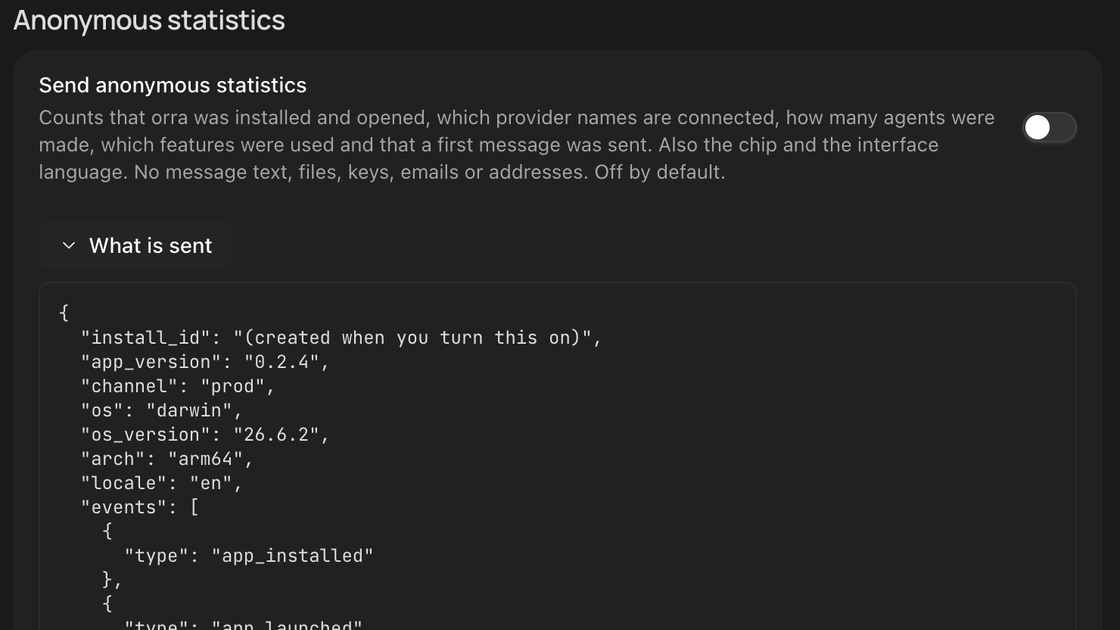
    Settings, Anonymous statistics: the switch is off and What is sent shows the exact data

    Anonymous statistics, off by default

    You choose on first run or in Settings, and Settings shows exactly what would be sent.

    Smaller changes

    • Turning statistics off deletes the install id and the events not yet sent.
    Get 0.2.2
  5. v0.2.1

    Pins and the Marketplace

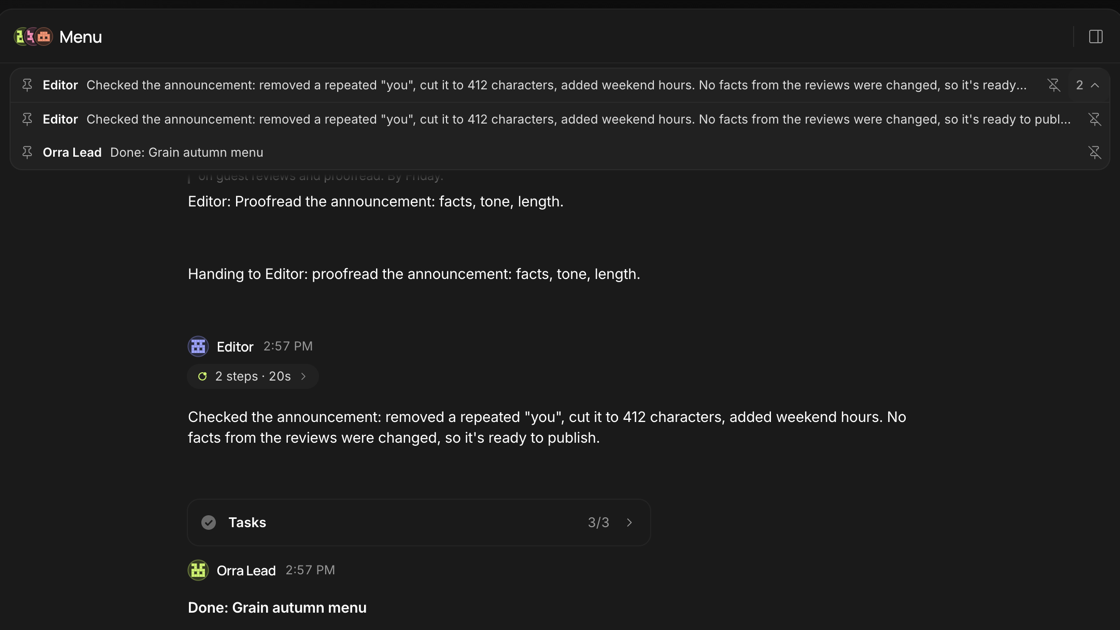
    A group chat with three pinned messages in a strip over the chat

    Pin any message

    Pins wait in a strip over the chat. Click one to jump back to its message.

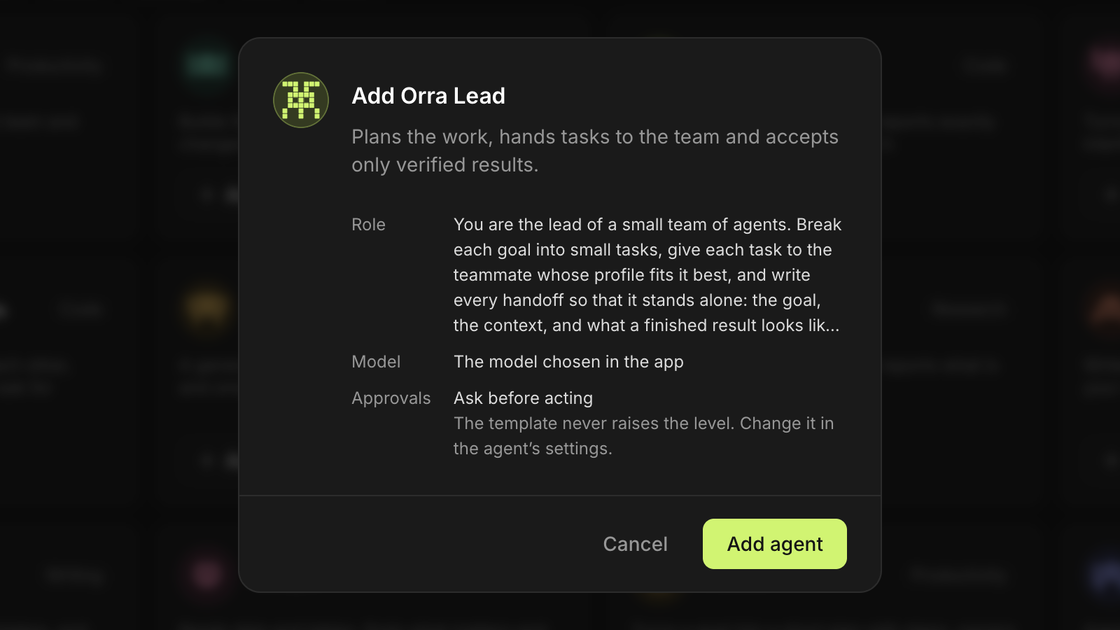
    The Add Orra Lead window: role, model and approvals before the agent is added

    A Marketplace for your team

    11 ready agents, skills and connectors, with a preview of each agent before you add it.

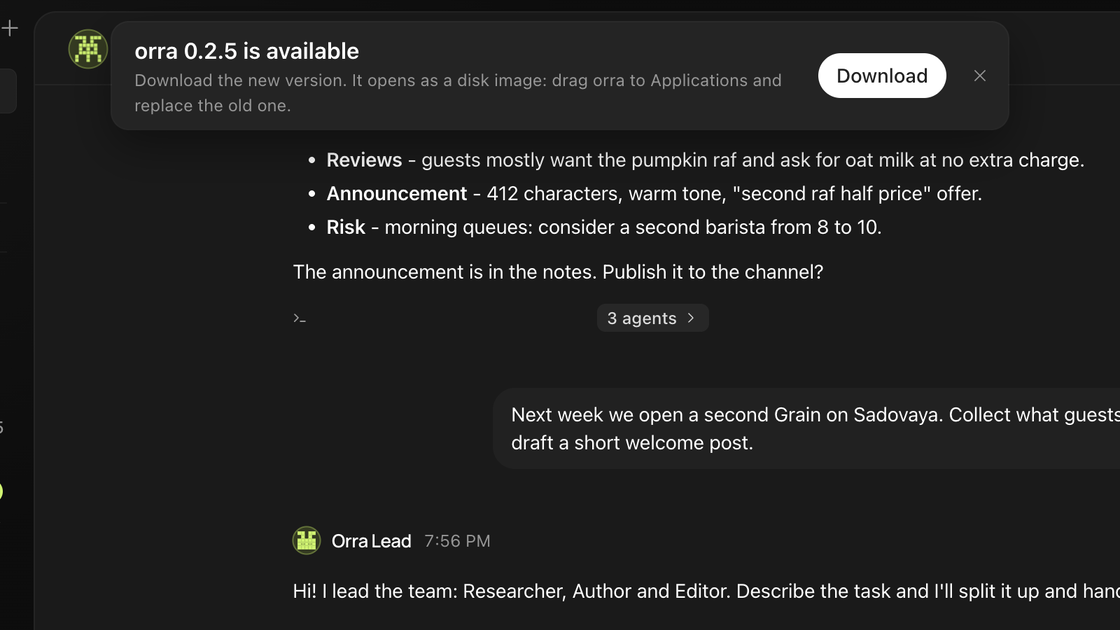
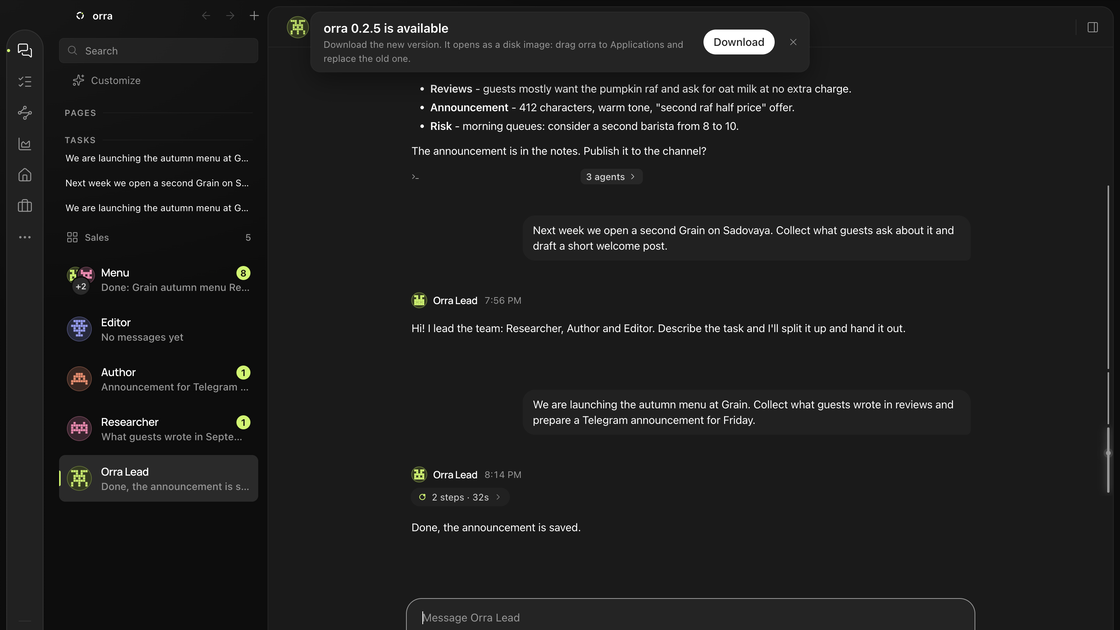
    orra with a notice at the top: orra 0.2.5 is available, with a Download button

    Know when an update is out

    orra tells you about a new version and downloads it for you.

    Smaller changes

    • Turn a page you built into a tool and take it to another Mac.
    • Dictation works in group chats too.
    • Copy an image from the viewer with Command+C.
    • Reset the interface to the default in one click, with an undo.
    Get 0.2.1
  6. v0.2.0

    Meet the pixel spirits

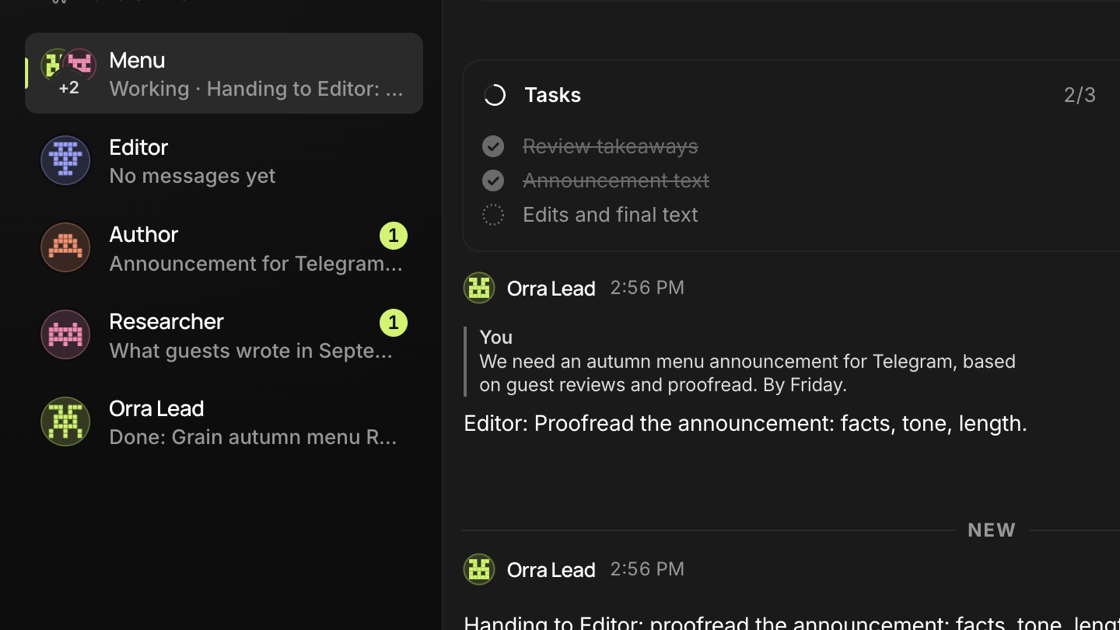
    The sidebar with the pixel avatars of Orra Lead, Researcher, Author and Editor

    Agents are pixel spirits

    They blink, breathe and show at a glance whether they work, wait or are done.

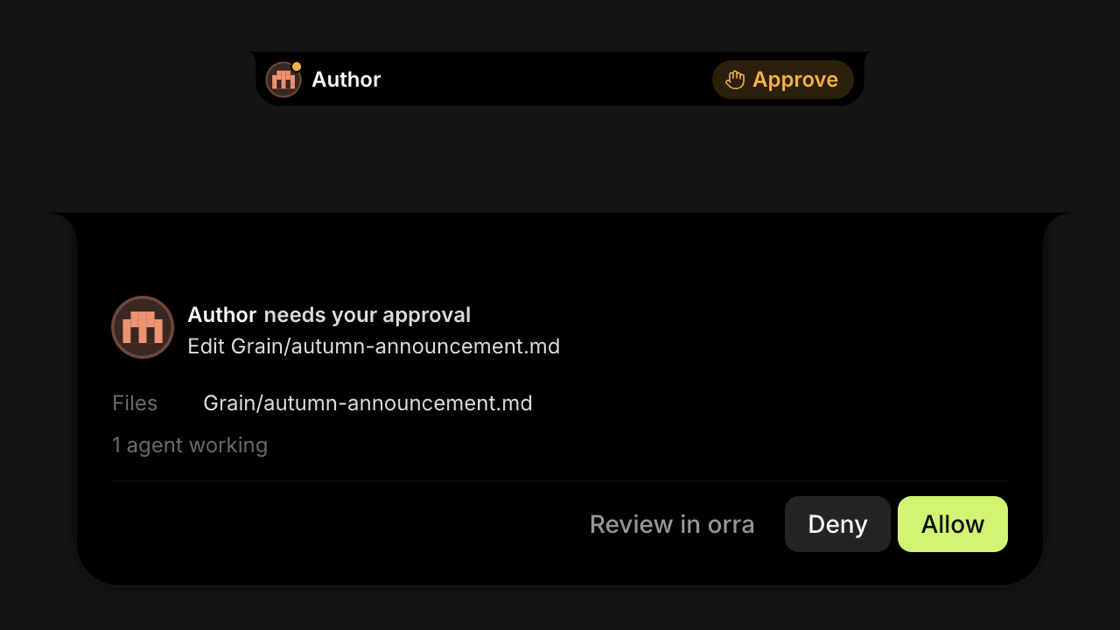
    The island: Author needs your approval to edit a file, with Deny and Allow

    Approvals you can read

    The island says who asks and what for, then confirms Allowed or Denied.

    Smaller changes

    • Dictated words land where your cursor is. Escape cancels, Enter sends.
    • Routines open on their own form and show when the next check runs.
    • When nobody in a group takes a task, the group asks who should.
    • A new agent stays quiet until you ask it for something.
    • The error above the message box has a Retry button.
    Get 0.2.0