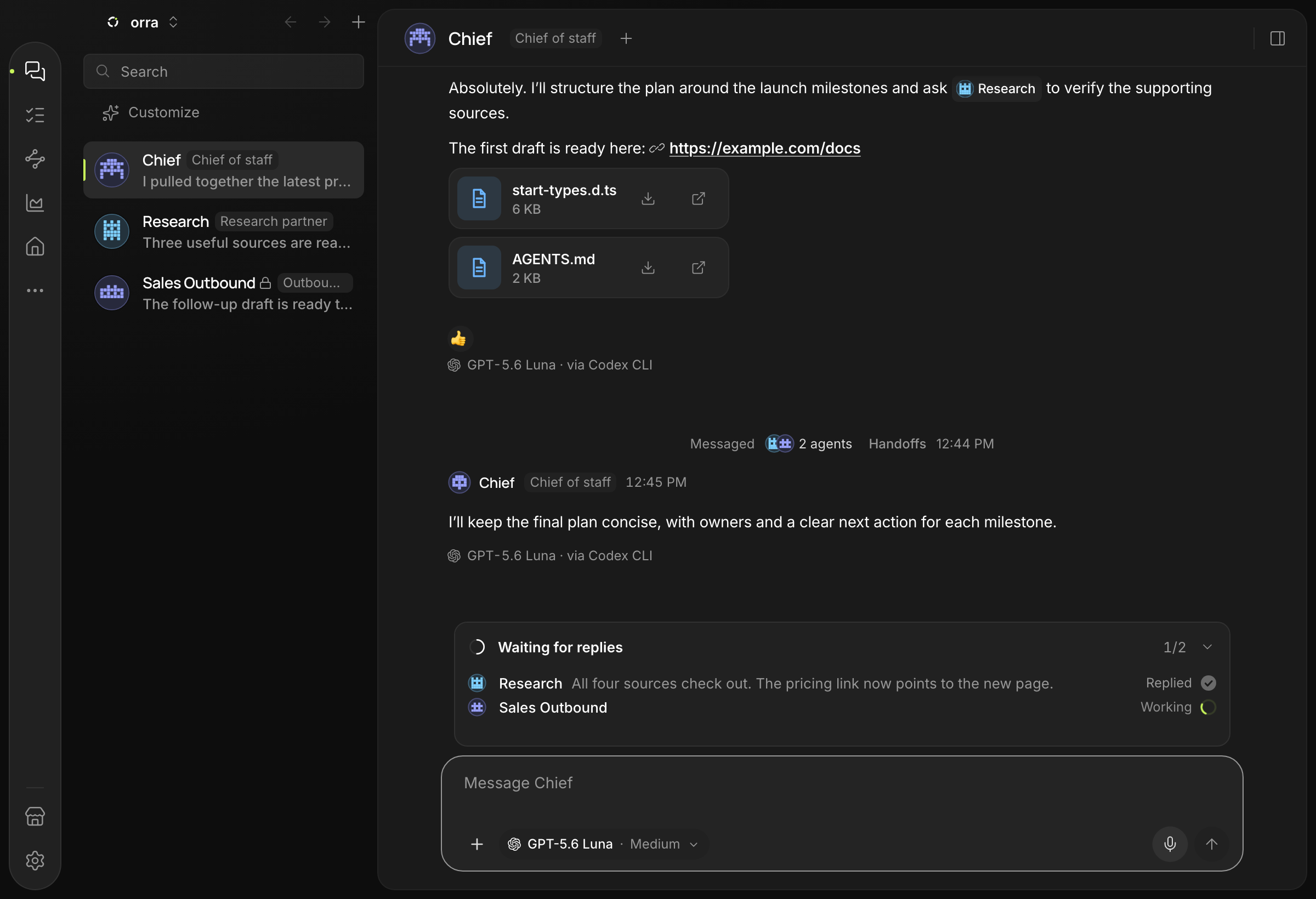
Agents work as a team
Each agent has its own role. They hand tasks to each other, ask for review and report back, and you see the whole tree of work.
New Available on macOSWindowsSoonLinuxSoon
A team of AI agents on your own computer. Speak or type: agents work together while the interface reshapes around you. Your data stays with you.
Works with your Claude, ChatGPT or Grok plan, or with free models · How to open it the first time
They ask, hand off and review. Add agents, and the team grows with the work.
A desktop app: a team of AI agents you run by voice and prompt.
Each agent has its own role. They hand tasks to each other, ask for review and report back, and you see the whole tree of work.
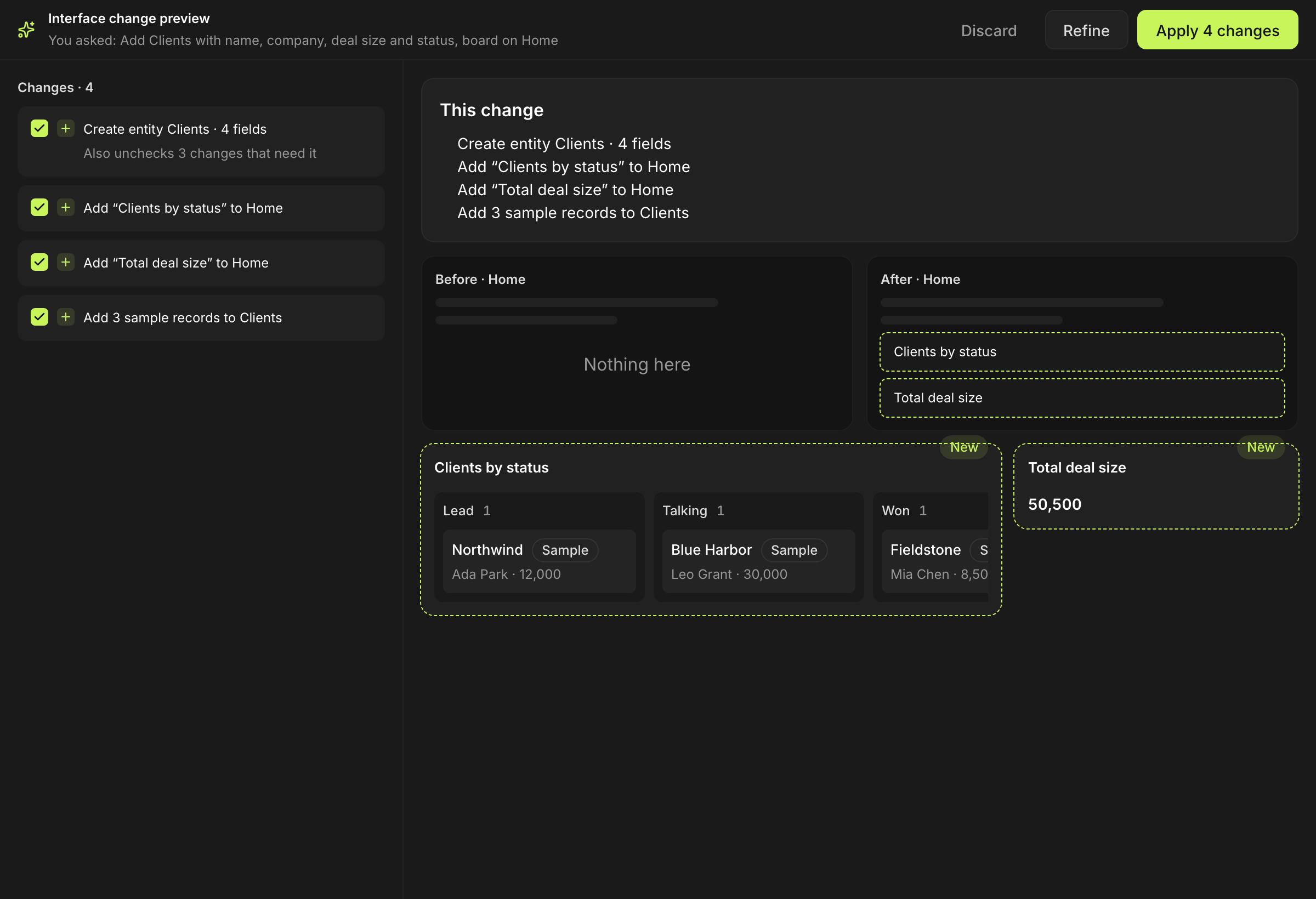
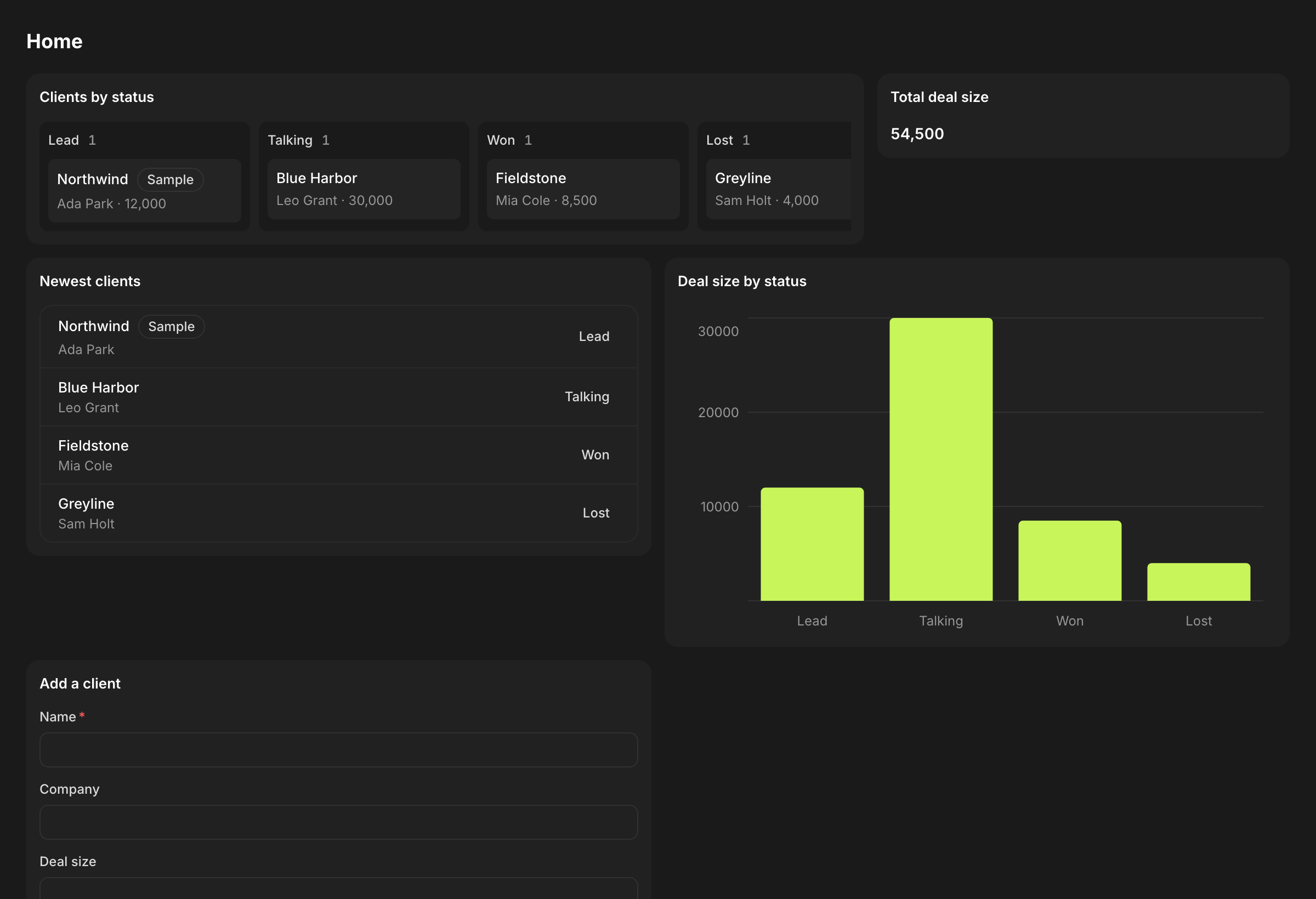
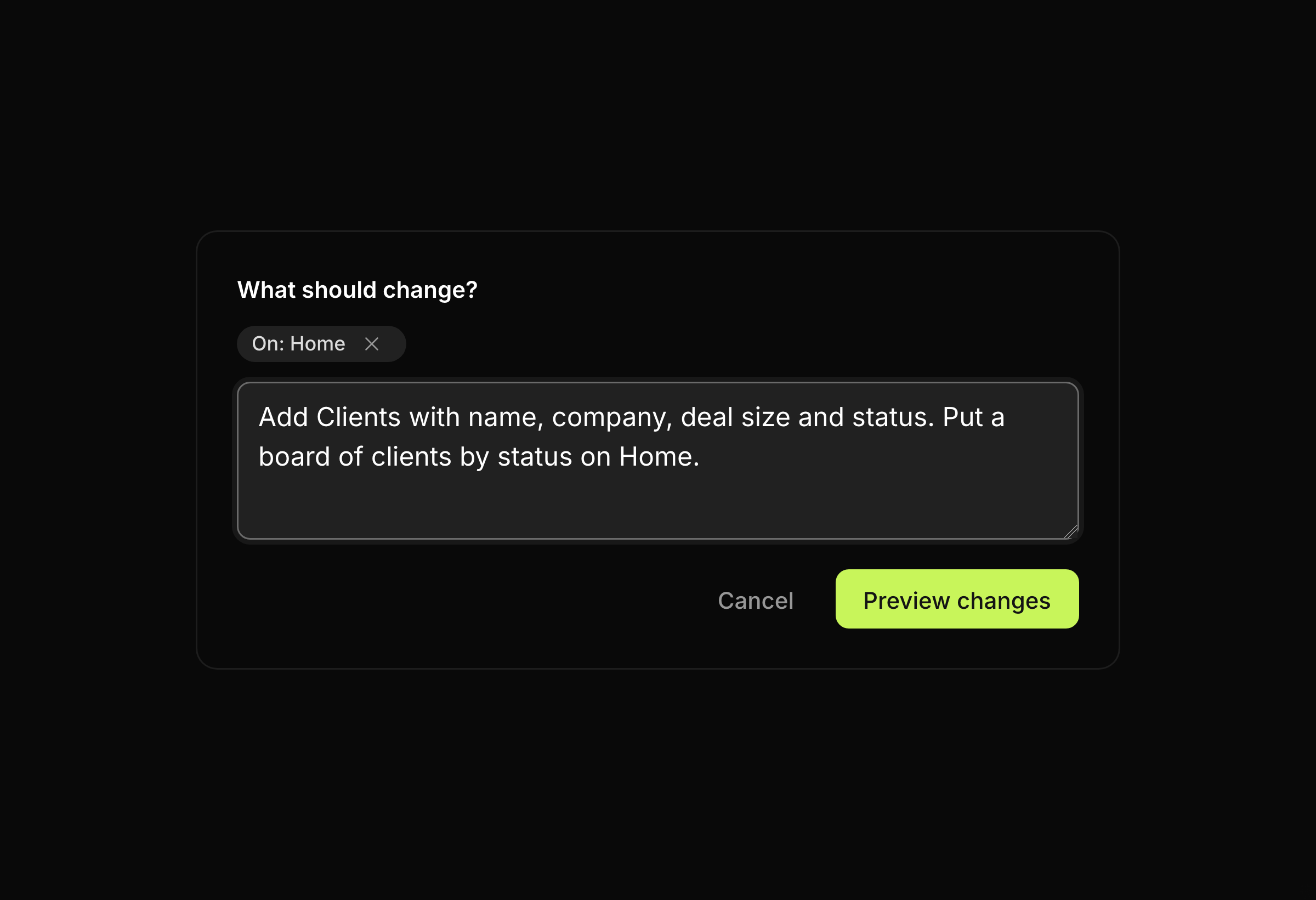
Say “make a CRM with deals”: orra shows a preview, you press Apply. Any change can be undone.
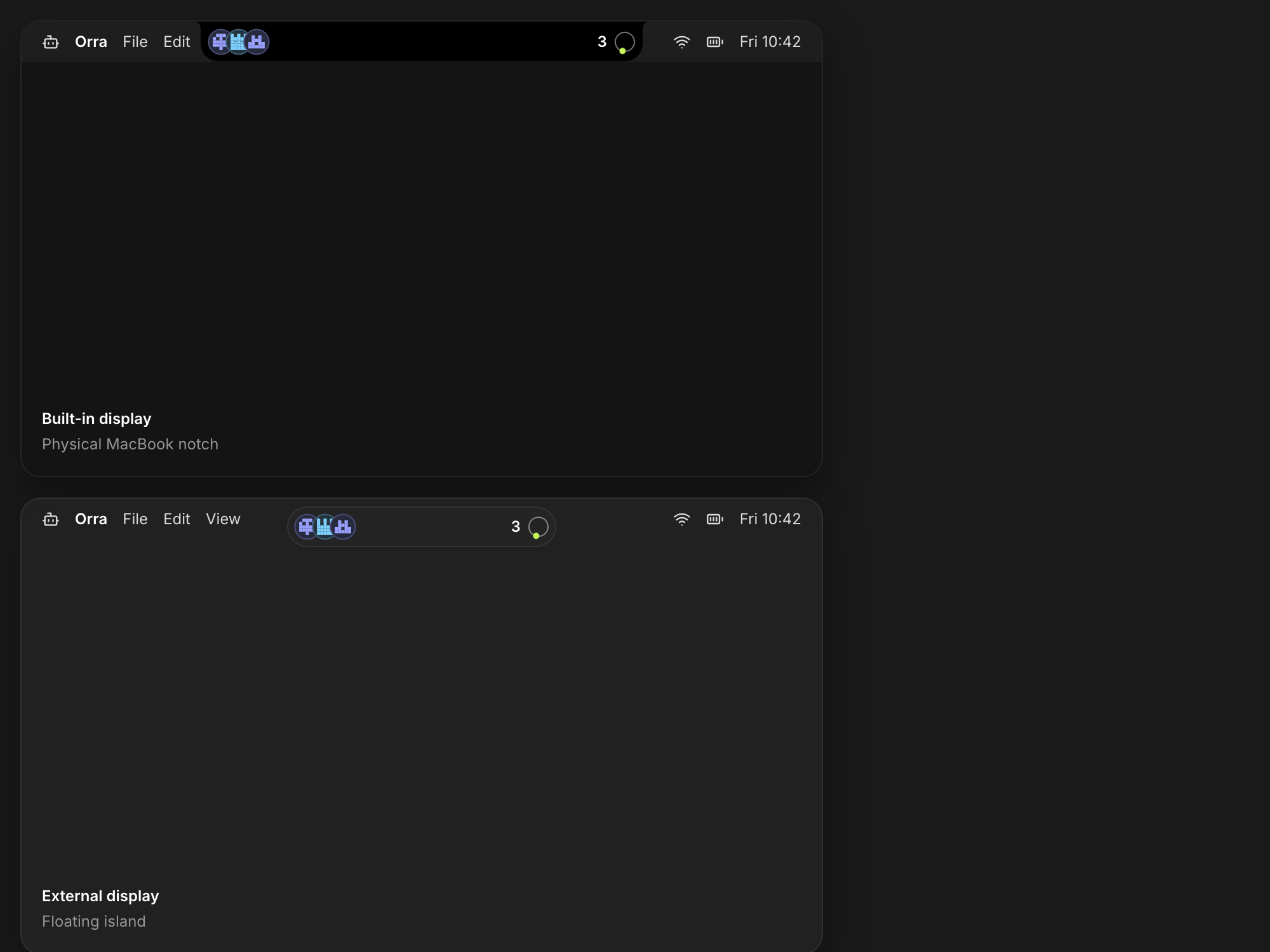
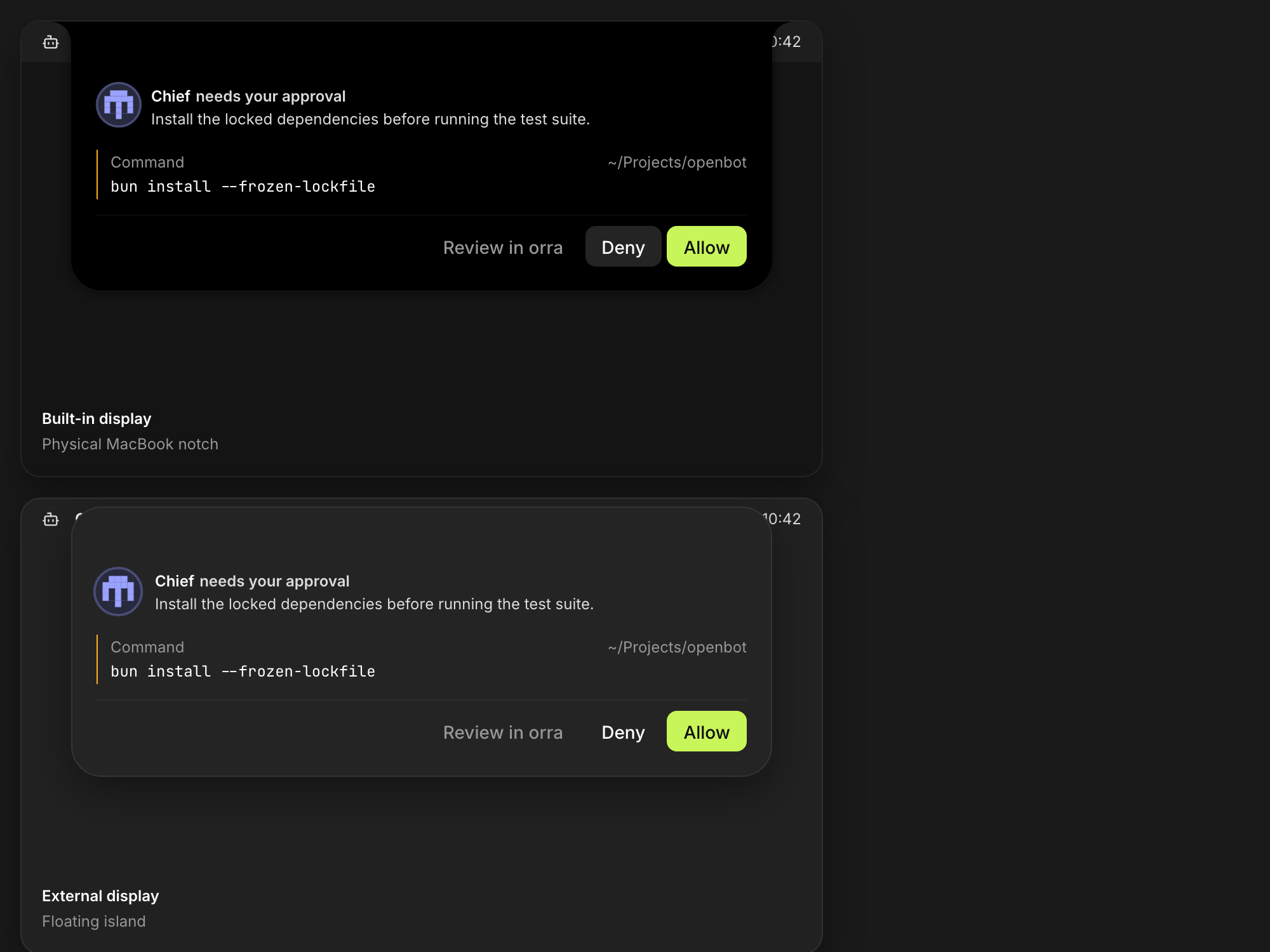
The agent works, the island shows its status. A confirmation is needed? Decide right there, without opening the window.
Pin a message to come back in one click. Files, images and tables open right in the chat.
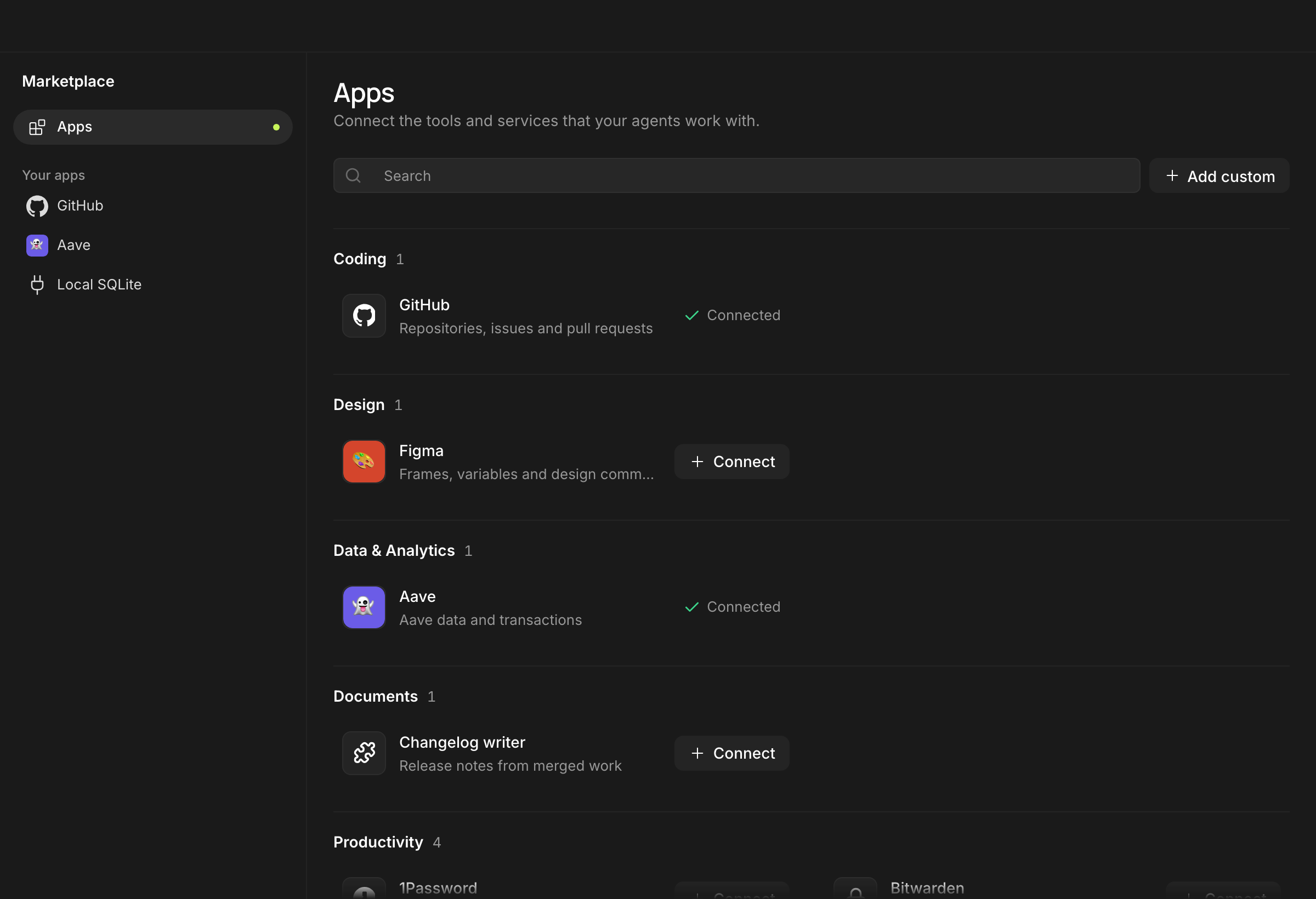
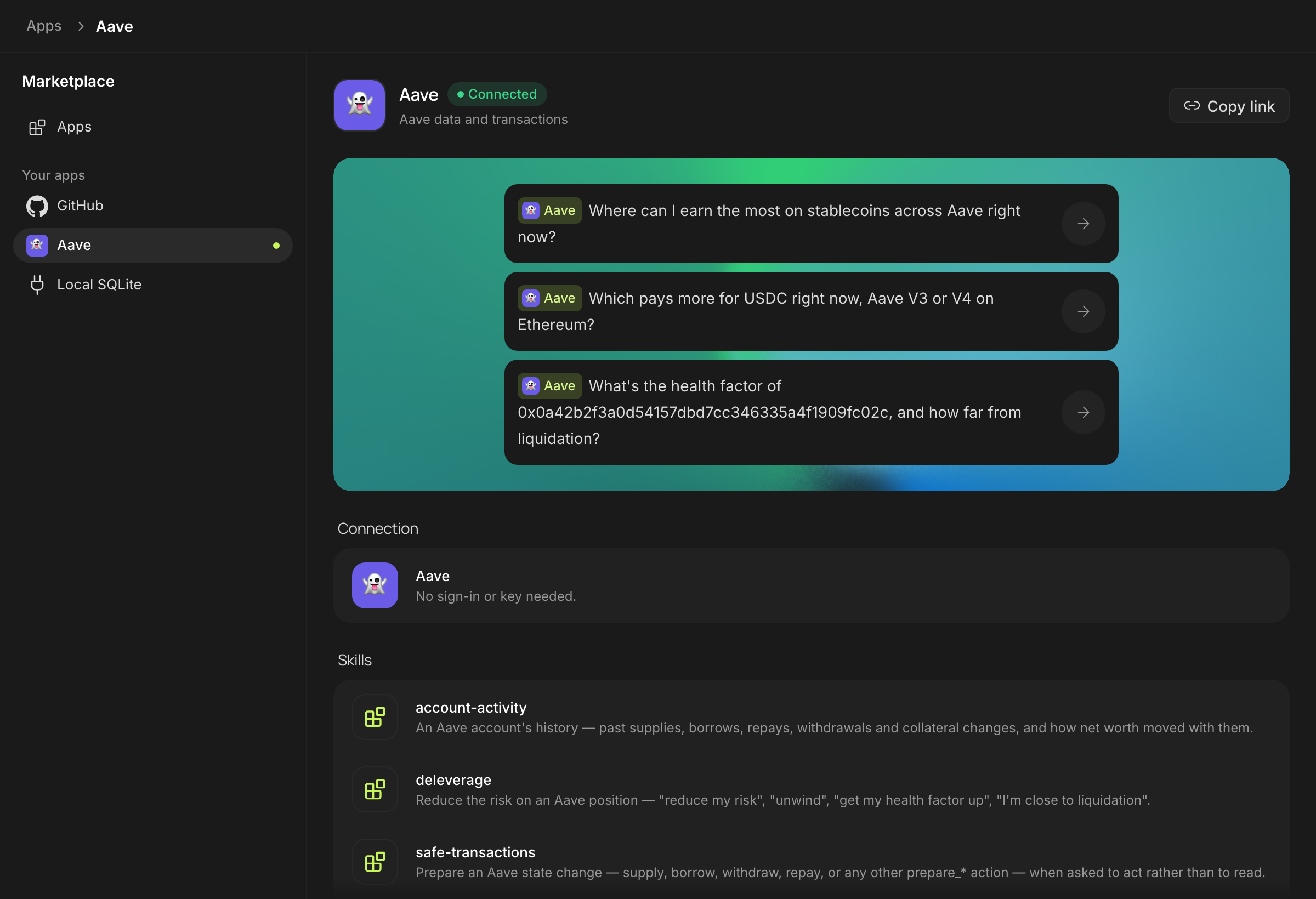
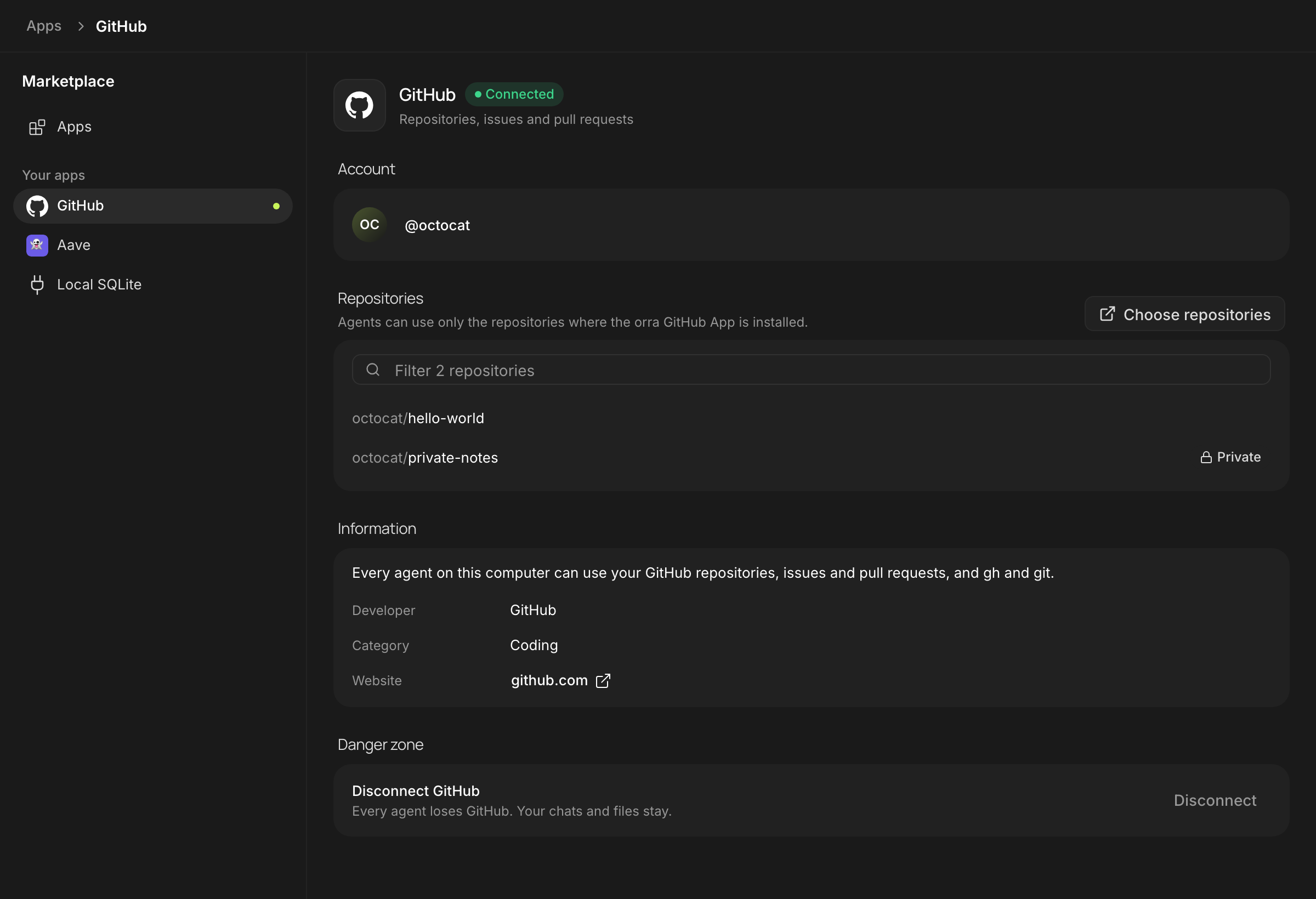
Ready agents and skills in one click. Publish your own pages to Tools and share a file. It all works offline.
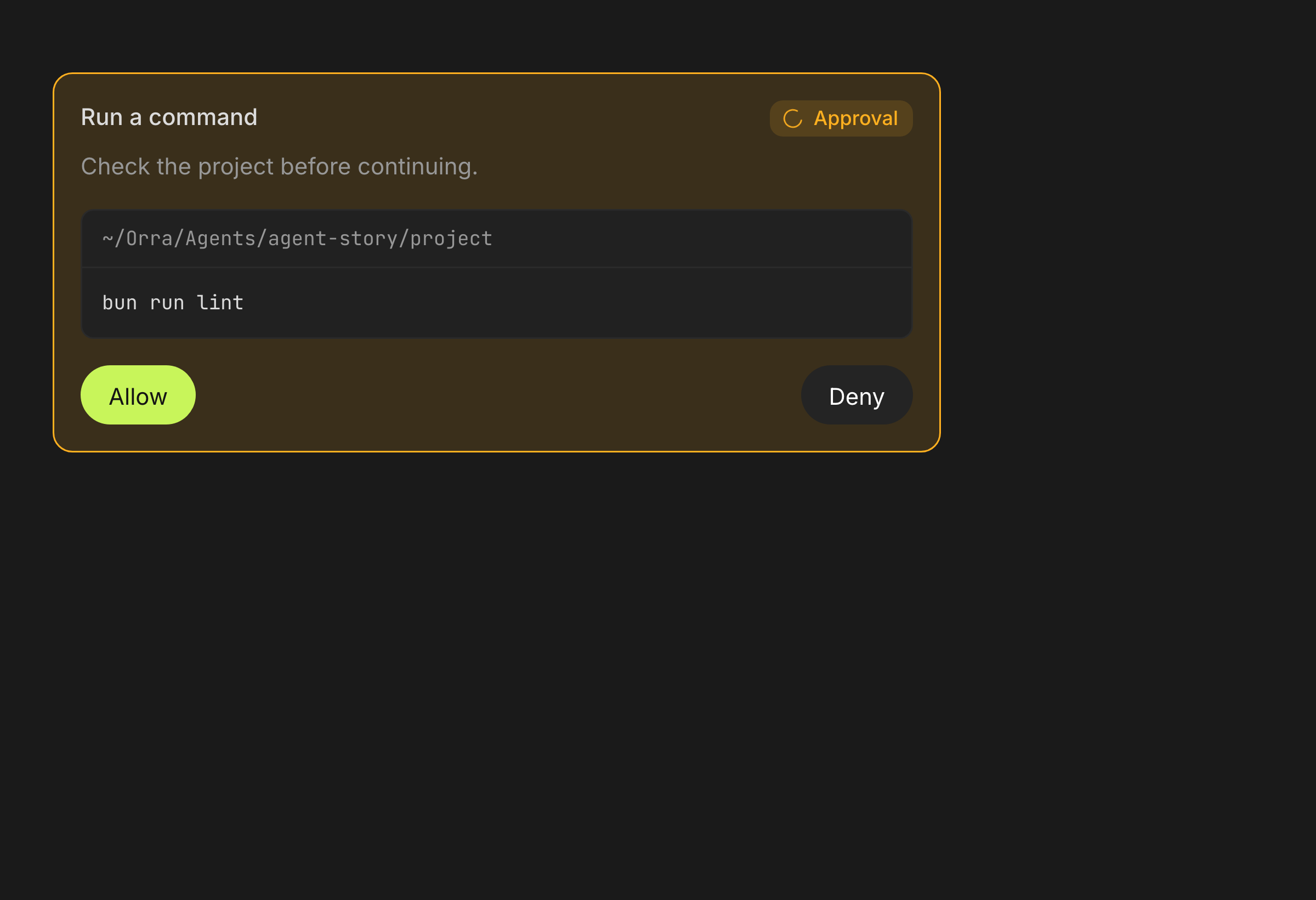
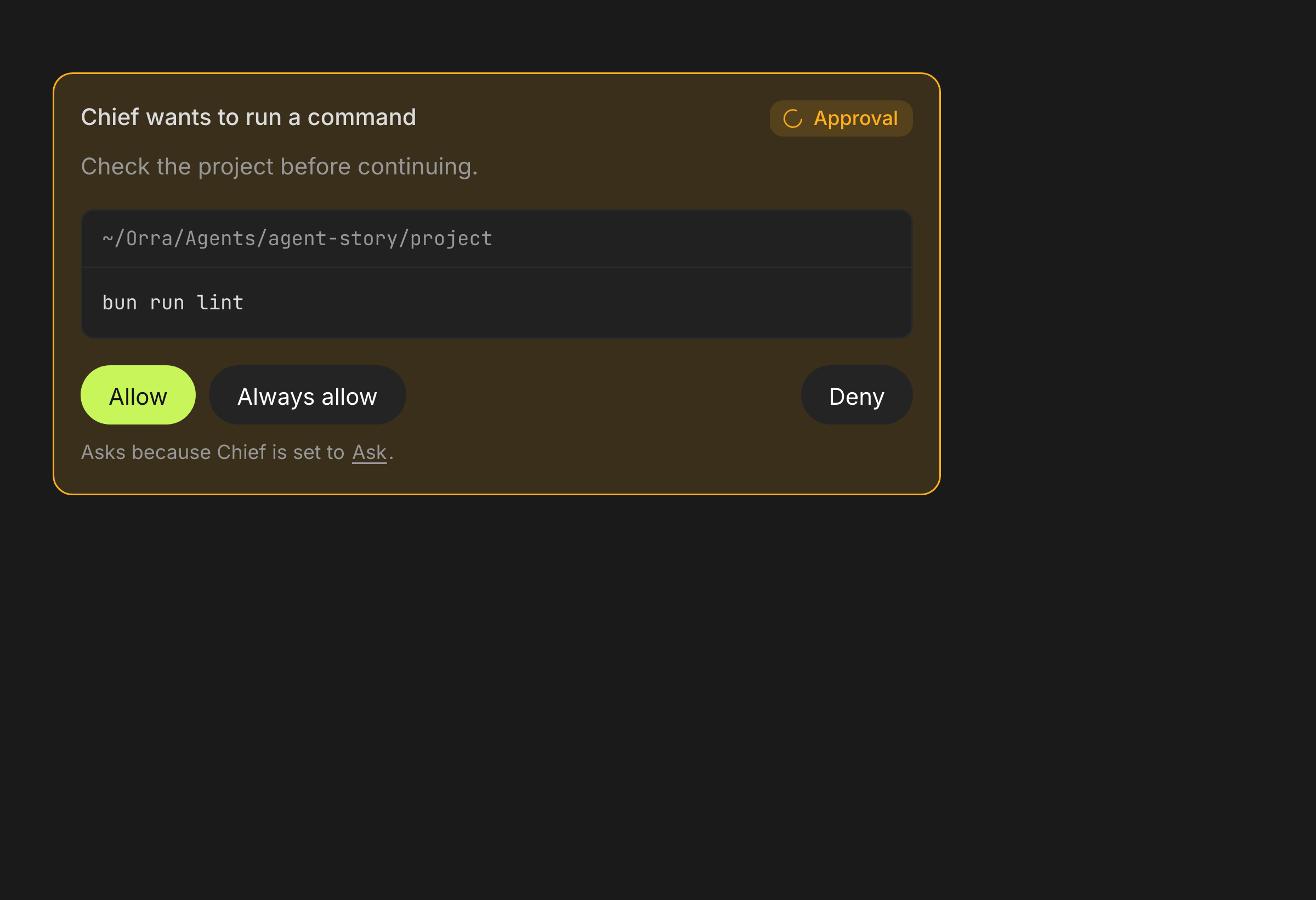
Four levels: ask, accept edits, approve for me, full access. A new agent always starts on Ask.
Every agent has a character of its own
The app is free: no hidden fees, no locked features. Agents use the plans you already pay for. Packs are for those who want early access and help with setup.
See pricingAgents hand work to each other, and you see who does what.
By text or voice: a page, a table, a board. Apply it in one click.
Chats, files and settings live on your computer, not on our servers.
A new agent always asks first. What it does on its own is your call, in its settings.
Short answers about price, setup, models and your data.
A Mac app where a team of AI agents works for you. Set a task: the agents split the work, hand results to each other and report back.
The app is free. Agents run on your Claude, ChatGPT or Grok plan, or on free models until their limit runs out. Paid packs are on the Pricing page.
On your computer: chats, agents, files, settings. orra does not send them to its servers; we have none. Model requests go to the provider you chose.
Only what you allowed. A new agent starts on Ask: every command and file change needs your confirmation. Anything higher is your call, in the agent's settings.
Describe by text or voice what you want to see: a page, a table, a board. orra shows a preview, you press Apply. Any change can be undone in the history.
For model replies, yes. The catalog of agents, skills and tools, your data and settings work offline.
For now, macOS on Apple Silicon only. Other platforms come later.
Choose your platform. Run a team of agents on the plan you already have, or on free models.
macOS 13+ · Apple Silicon
Windows 10+ · x64
x64 · AppImage
Requirements: macOS 13 or newer, Apple Silicon chip.
orra is not signed by Apple yet, so macOS asks you to confirm the first launch. This is normal for apps outside the App Store, and you only do it once.
For advanced users: the same in one Terminal command:
xattr -dr com.apple.quarantine /Applications/Orra.app After that, orra opens like any other app.
Run a team on your plan or on free models. Your work stays on your computer.